
An IPTV free trial gives you a short window to test a live-TV streaming service before paying. Mainstream platforms like YouTube TV, Fubo, Sling TV, Philo, and Hulu + Live TV typically run trials of 3 to 14 days. Smaller independent providers usually offer just 24 to 48 hours.
If you want the safest route, stick with those licensed names, or go with free ad-supported services like Pluto TV and Tubi. No trial needed, no card required. The apps people often ask about, TiviMate, Flix IPTV, and IPTV Smarters Pro, are just media players. They’re legal on their own. Whether what you’re watching is legal depends entirely on where the stream comes from, not which app is playing it.
What exactly is an IPTV free trial?
IPTV just means TV over your internet connection instead of through a cable box or satellite dish. The “free trial” part works the same as any other subscription trial: you get access for a set period without paying, then decide if it’s worth it.
The tricky part is that “IPTV free trial” can mean two pretty different things depending on who’s offering it. The mainstream option is services like YouTube TV, Fubo, Sling TV, Philo, and Hulu + Live TV. These are real companies with real licensing deals. They pay for the rights to every channel they carry, bill through normal payment processors, and their trials, typically 3 to 14 days, work exactly as you’d expect. The independent market is the other thing. These providers sell massive channel bundles, sometimes tens of thousands of channels, at low prices. Trials are much shorter, usually 24 hours.
The critical difference: media players vs. media providers
Most articles blur two completely separate things together, and that’s what gets people into trouble.
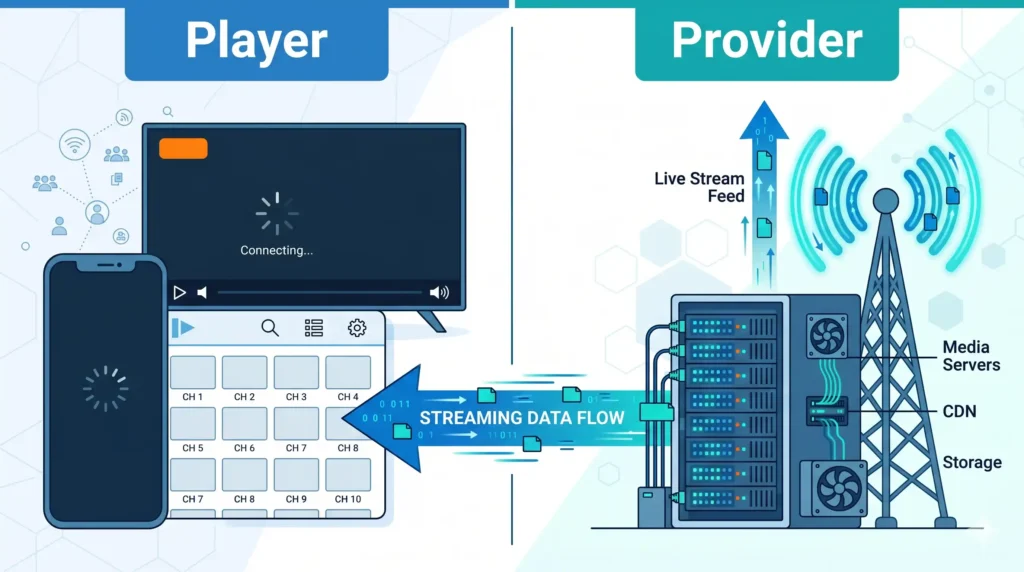
A media provider owns the servers, pays for the bandwidth, and delivers the actual streams. That’s where copyright liability lives.
A media player is software that runs on your device and plays whatever stream you point it at. The app contains no channels, no movies, no broadcasts. TiviMate, Flix IPTV, and IPTV Smarters Pro are media players. Flix IPTV says explicitly on its official channels that it’s a visual interface only, nothing more.
Copyright infringement comes from accessing or distributing protected content without authorization, not from running the viewer software. A player reading an M3U playlist or Xtream Codes API isn’t infringing anything on its own. U.S. courts care about the content and whether protection was circumvented, not which app was open.
The model is sometimes called Bring Your Own Content. You install the player, enter credentials for a stream source separately, and the player turns that raw feed into something that looks like a normal TV guide. Whether any of that is legal depends entirely on the stream, not the app.
New users on cord-cutting forums mix this up constantly. Paying a one-time fee to unlock the player’s interface is a completely different transaction from paying for the actual content stream. They can look nearly identical at checkout.
Top 10 IPTV services and players with free trials (2026 comparison)
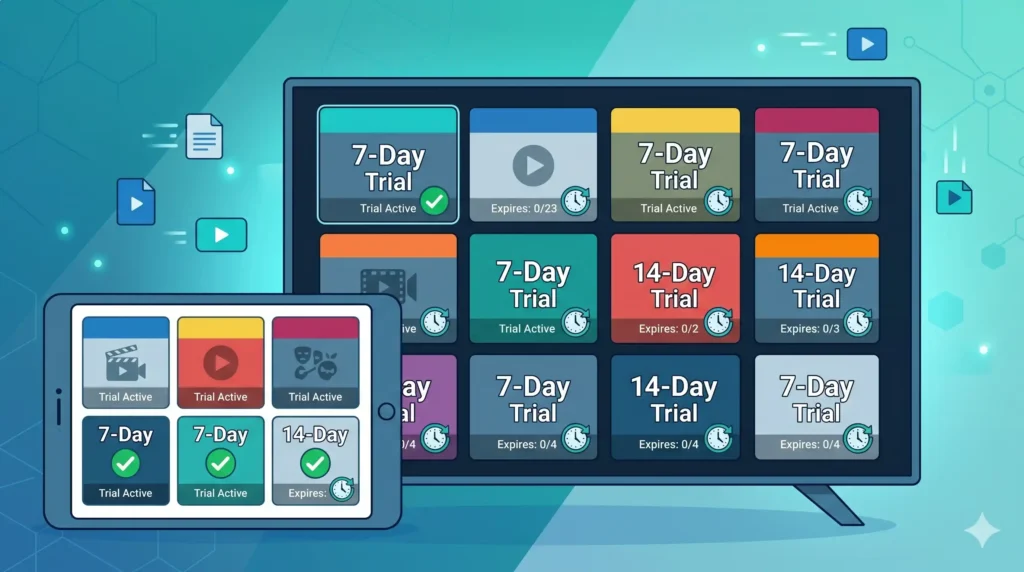
The table below combines the safest, fully licensed services with the most widely used neutral player apps. It leads with legal options. The three media players are included because readers will encounter them regardless, and understanding what they are and are not is part of staying safe. Pricing changes often; treat the figures as starting tiers and confirm the current rate at signup.
| Entity | Category | Trial length | Key feature | Pricing note |
|---|---|---|---|---|
| YouTube TV | Licensed OTT service | Free trial (length varies) | Unlimited cloud DVR, broad national + local channel mix | Premium base tier; verify current rate |
| Fubo | Licensed OTT service | Free trial (length varies) | Deepest live sports lineup | Premium base tier; verify current rate |
| Sling TV | Licensed OTT service | Promo/short trial | Lowest entry price among major OTTs; à la carte add-ons | Budget base tier; verify current rate |
| Philo | Licensed OTT service | 7-day free trial | Cheapest broad entertainment bundle (no major sports) | Budget base tier; verify current rate |
| Hulu + Live TV | Licensed OTT service | Free trial (length varies) | Live TV bundled with full Hulu on-demand library | Mid-to-premium tier; verify current rate |
| Pluto TV | Free, legal, ad-supported | No trial needed (always free) | Hundreds of free channels, no signup or card | $0 |
| Tubi | Free, legal, ad-supported | No trial needed (always free) | Large free on-demand film/TV catalog | $0 |
| TiviMate | Neutral media player (no content) | Free tier; paid “Premium” unlock | Polished EPG, playlist management; popular on Android TV/Firestick | One-time/annual app fee; content sourced separately |
| Flix IPTV | Neutral media player (no content) | ~24-hour player trial | 4K decoding; available on Samsung Tizen and LG WebOS | Small one-time activation; content sourced separately |
| IPTV Smarters Pro | Neutral media player (no content) | Player trial | Cross-platform (Android, iOS, Apple TV, PC) management tool | App-level; content must be independently licensed – see warning below |
The verified legal ecosystem (Fubo, YouTube TV, Sling, Philo, Hulu)
These five are the lowest-risk starting point. They hold proper broadcast rights, charge through normal payment processors, and the streams generally hold up when it counts, including during live sports.
Fubo has the deepest live sports lineup of the group. If football, soccer, or boxing is why you’re cutting cable, it’s the obvious place to start. YouTube TV has a wide national-and-local channel mix and unlimited cloud DVR, which tends to be the feature that convinces people to stay. Sling TV is the cheapest way into the licensed market: a smaller base bundle with optional add-ons. Philo is the budget entertainment pick, low monthly price with a wide lifestyle channel lineup but no major sports networks; it typically offers a 7-day trial. Hulu + Live TV bundles live channels with Hulu’s full on-demand library, which makes sense if you want one subscription covering both.
One thing most comparisons skip: licensed services usually offer 3 to 14 days, while independent providers typically give you 24 hours. Several of these also stream some content in 4K during the trial, so you can check picture quality before committing.
The free ad-supported networks (Pluto TV, Tubi)
If you just want something to watch for free, you don’t need a trial at all. Pluto TV and Tubi are legal, ad-supported services. No credit card, no surprise charge when the free period ends.
Pluto TV runs hundreds of live, channel-style feeds. Tubi is more of an on-demand library of films and shows. Both have rotating catalogs and ads, but neither can charge you because there’s nothing to buy. For a lot of people, these two handle casual watching entirely.
Premium neutral media players (Flix IPTV, IPTV Smarters Pro, TiviMate)
These three are software interfaces, not content services. They’re popular because they take a raw data feed and turn it into something that looks like a real TV app: channel logos, a program guide, thumbnails for movies and shows. Once people get past the initial setup, they tend to stay. The apps pull in metadata and artwork automatically, so the whole thing feels familiar.
TiviMate is the go-to on Android TV and Fire Stick. It handles playlists well, has a free tier, and a paid “Premium” unlock for additional features. Flix IPTV runs on Samsung’s Tizen and LG’s WebOS through their app stores, supports 4K, and offers a roughly 24-hour trial. Flix says publicly it provides no content it’s an interface only. IPTV Smarters Pro is a cross-platform management tool that runs on Android, iOS, Apple TV, and PC.
How to safely activate your trial (step-by-step)
Before installing anything or entering payment details, a few steps are worth taking. Skip them and a free trial can quietly become a recurring charge or a malware problem.
Step 1: Securing your payment data and network
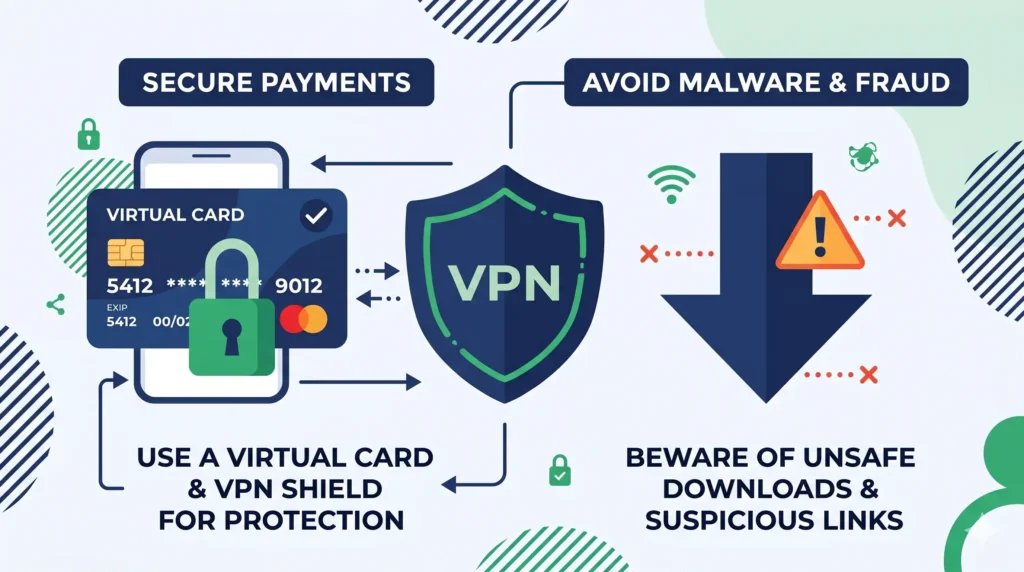
Before signing up for anything that asks for payment details, put a buffer between the provider and your real financial life.
Use a single-use virtual credit card with a hard spending limit, or one you can close on demand.
On the network side, a VPN is a reasonable general privacy tool. It encrypts your traffic on untrusted networks and can reduce ISP throttling, where your internet provider deliberately slows down traffic it identifies as heavy streaming. A VPN adds some overhead, so on a weak connection it might slightly reduce speed, but on a throttled connection it can actually improve stability. Use it for privacy and security, not to evade enforcement.
Step 2: Choosing your hardware and installing the player
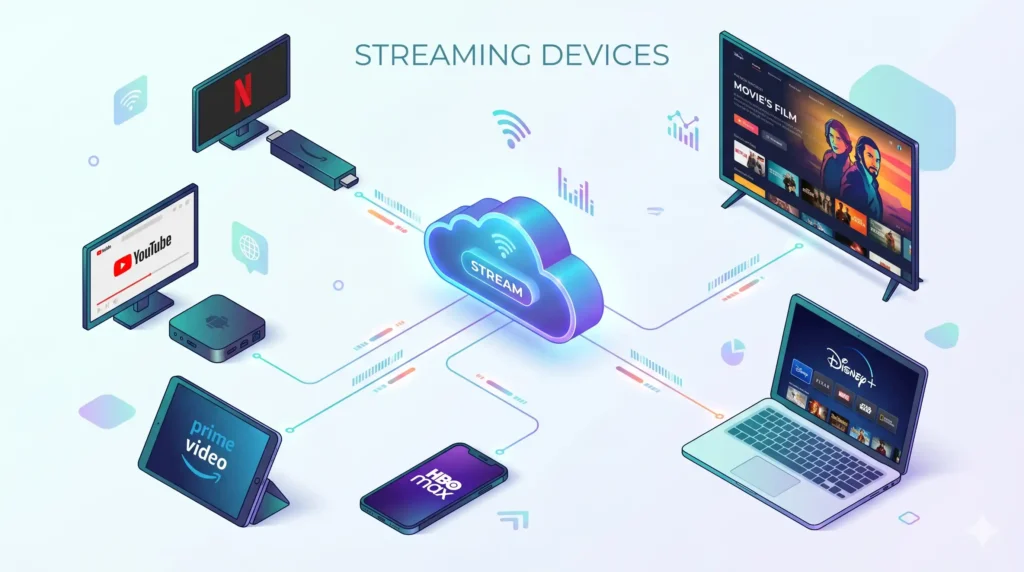
IPTV runs on most modern living-room hardware. The setup differs slightly by device:
- Amazon Firestick 4K / 4K Max and Android TV (including Nvidia Shield): install a player such as TiviMate or IPTV Smarters Pro directly from the device’s official app store. The Nvidia Shield is the performance benchmark in this category; the Firestick is the budget standard.
- Samsung (Tizen) and LG (WebOS) smart TVs: these are closed ecosystems with their own app stores. Check there for apps like Flix IPTV rather than trying to install software from elsewhere.
- iPhone, iPad, and Apple TV: IPTV Smarters Pro and similar players are available natively, so cross-platform households can keep a consistent interface.
- A standard PC or laptop: many services and players offer a browser-based web player, so you can test without installing anything.
Stick to official app stores. Any guide that walks you through disabling device security, enabling “Developer Options” or “Unknown Sources” to sideload APKs from random websites, is pointing you toward a common route for malware and data theft. You won’t find those instructions here, and be cautious of any guide that offers them. If an app isn’t in your device’s official store, that absence is information.
One thing that trips up a lot of first-timers: some lightweight players hand off video decoding to an external app like MX Player. This happens when the player can’t decode a particular codec on older hardware. Installing the suggested external decoder fixes it. It’s a compatibility issue, not a defect.
Step 3: Inputting M3U playlists and Xtream Codes API
Once a player is installed, you connect it to a stream source using one of two methods.
An M3U playlist is a single link or file containing a list of stream URLs. Paste it into the player and it loads the channels. Simple and universal, but it carries limited extra information.
The Xtream Codes API works more like a login: a server address, a username, and a password. The payoff is richer metadata. The API pulls a structured program guide, channel categories, logos, and on-demand artwork, so the result looks much more like a normal streaming app than a raw channel list. If a provider offers both options, Xtream Codes generally looks better.
To set up on a smart TV: open the player from your TV’s app store, choose “Add Playlist” or “Add User,” select either M3U or Xtream Codes, enter the credentials your source gave you, and let it sync. The EPG may take a few minutes to populate on first load.
The 24-hour stress test: what to check during the trial
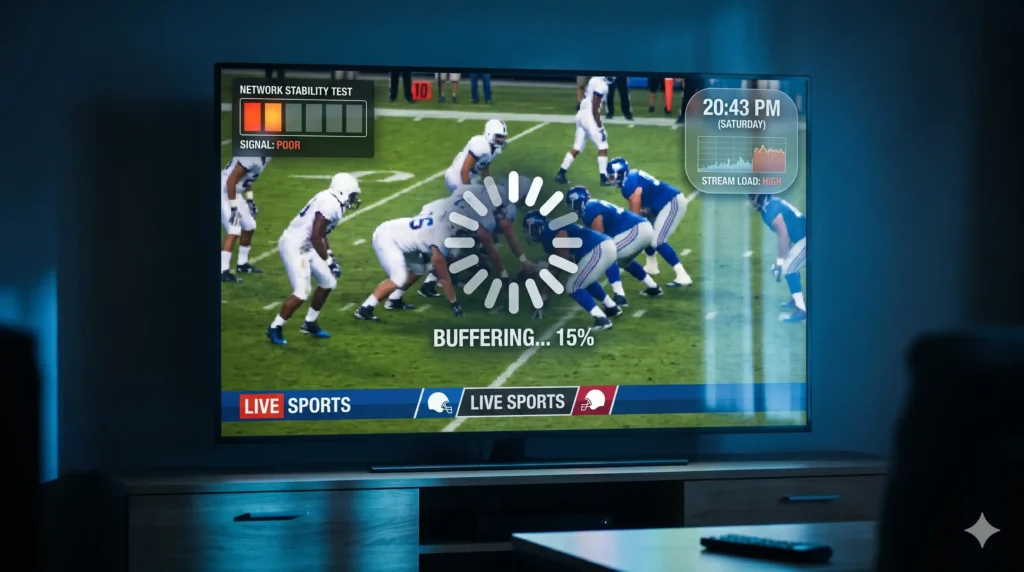
Most guides tell you to start the trial and “enjoy the channels.” That advice is useless. The whole point of a trial is to find the failure modes before you pay. A free window, especially a 24-hour one, should be treated as a deliberate stress test.
Testing peak-hour bandwidth during live sports
The most important variable is server load under pressure, and casual testing never reveals it. The pattern shows up constantly in user reports: a service streams flawlessly off-peak or on static on-demand video, then collapses during a high-demand live event. Heavy buffering, blocky artifacting, total stream failure. During peak minutes, too many users hit a server with too little bandwidth and the variable bitrate falls apart under congestion.
So time your trial on purpose to overlap with a major live event. If the trial is only 24 hours, don’t waste it on a quiet afternoon. Watch how the stream behaves at kickoff and during the busiest moments, and note how quickly it recovers from a stutter. Better providers route big matches across multiple mirror servers to spread the load; weaker ones simply lack the capacity and break at exactly the moment you care about. The live-event test is the only reliable way to expose this before you pay.
One number worth knowing: smooth 4K typically needs around 25 Mbps of stable throughput; standard HD wants several steady megabits per second. If your connection can’t sustain that, the problem may be on your end rather than the server’s.
Verifying EPG synchronization and VOD metadata
A working stream is only half of a good service. During the trial, check that the EPG is accurate and in sync: the “now playing” and “up next” labels should match what’s actually on screen, and the times should line up with your local schedule. A misaligned or empty guide signals sloppy metadata behind the scenes.
For on-demand libraries, make sure movie and show metadata loads correctly: posters, descriptions, cast details. If the guide is blank and the VOD section is an unlabeled wall of files, the service is unlikely to improve after you pay.
If you notice audio drifting out of sync on HD channels, the usual culprit is a frame-rate mismatch between the stream and your display, or hardware struggling to decode in real time. Worth noting during the trial, since it can be device-specific.
Confirming device compatibility and multi-connection limits
Test the practical limits you will live with daily. Most providers enforce a connection limit (the number of devices that can stream simultaneously on one account), and many add IP locking, which ties your access to a single network address. If everyone in your household expects to watch different channels at once, a one-connection limit is a dealbreaker you want to discover during the free window, not after you’ve paid.
Try the service on each device you actually intend to use, because behavior differs across platforms. A setup that works on an Nvidia Shield may stumble when you load the same credentials onto a Samsung Tizen TV. Before the trial runs out, confirm the streams play on each device and the connection count matches what was advertised.
Frequently asked questions
Q: Is using an independent streaming free trial illegal?
It depends on the source, not the trial itself. Using a free trial from a licensed service or a neutral player app is legal. The legal problem arises only when the stream comes from an operator with no rights to distribute that content. U.S. enforcement under the PLSA has focused on operators rather than individual viewers. When in doubt, confirm the provider holds proper licensing in your country.
Q: Do free trials require a credit card?
The genuinely free, legal services – Pluto TV and Tubi – require no card. Licensed OTT trials and many independent providers do ask for payment details so they can convert you to a paid plan automatically. When a card is required, use a single-use virtual card with a spending limit you control, so you can shut off billing the moment the trial ends.
Q: How long does a typical IPTV free trial last?
Independent providers usually offer about 24 hours, sometimes up to 48. Licensed platforms run 3 to 14 days; Philo often offers a 7-day window. The free, ad-supported services have no trial clock because they are simply free.
Q: Can I use one free trial on several devices at the same time?
Often not. Most providers enforce a connection limit and many also use IP locking, which ties access to a single network. A common limit is one or two connections. Test this during the trial if multiple people in your home plan to watch different things at once – it is a frequent and unwelcome surprise after payment.
Q: Will I get a virus from downloading a trial app?
The risk is real and specific. It comes mainly from sideloading unverified APKs from random websites after disabling your device’s security settings. Apps installed from official stores – the Amazon Appstore, Google Play, the Apple App Store, or the Samsung and LG TV stores – are vetted and far safer. If an app is not available in your device’s official store, treat that as a reason for caution, not a hurdle to work around.
Q: Why do some providers ask for cryptocurrency?
Cryptocurrency makes payments anonymous and irreversible, which protects the seller far more than the buyer. Legitimate services accept standard payment methods.
Q: Are “lifetime” IPTV subscriptions worth it?
No. Servers and bandwidth are continuous costs, so no honest operator can fund unlimited future service from one small payment. The repeated real-world outcome is that the service collects the money and the servers disappear within weeks. A lifetime offer is a reason to leave, not a bargain.
Q: Which legal service has the best sports coverage?
Fubo carries the deepest live sports lineup among the major licensed platforms, with YouTube TV as a strong second choice thanks to its broad channel mix and unlimited cloud DVR.
Q: Are there any completely free, legal options?
Yes. Pluto TV offers hundreds of free, ad-supported live channels. Tubi has a large free on-demand library. Neither needs a trial, a card, or a signup to start watching. They carry advertising and a rotating catalog, but they cannot charge you because there is nothing to bill.
Q: Does a VPN slow down streaming during a trial?
It can add a small amount of overhead from encryption. But if your ISP is throttling streaming traffic, a VPN can actually make playback more stable by hiding the traffic type. Use it for ordinary privacy and security, not to evade enforcement.
Q: How do I test 4K quality during a short trial?
Play known 4K content and look closely. Some services advertise 4K but actually deliver upscaled 1080p – the picture looks softer and lacks fine detail. Confirm your connection can sustain roughly 25 Mbps first, then judge sharpness on a large screen during a high-bitrate stream.